
By centralizing procurement, submittals, schedule tracking, and delivery scheduling in one platform, Swinerton's three-person project team saves an estimated 14 to 16 hours per week, freeing their engineers to focus on the work that actually moves a project forward.

Procurement is the quiet engine behind every successful project, because when materials are late or submittals stall in review, your schedule slips and margins erode, and while it can feel like a maze of emails, spreadsheets, and calls, a clear framework paired with the right tools brings order and predictability.
At PLOT, we believe that better tools lead to better projects. This procurement log template is our 'gift' to the industry—a resource that any contractor can download, use, edit, and improve. Whether you need a simple tracking system or a highly customized solution, this spreadsheet gives you a solid foundation to build on.
By centralizingprocurement, submittals, schedule tracking, and delivery scheduling in oneplatform, Swinerton's three-person project team saves an estimated 14 to 16hours per week, freeing their engineers to focus on the work that actuallymoves a project forward.
Swinerton isone of the largest general contractors in the United States, with a long trackrecord across commercial, multifamily, and higher education sectors. The teamfeatured in this case study is building Apartment 2 of the SDSU Evolve complexat San Diego State University, the largest student housing project in SDSUhistory, which will deliver over 3,640 new student beds and a centralizedcommunity center. At 11 stories, Apartment 2 includes nine apartments perfloor, each with three individual bedrooms, shared living and kitchen areas,and full bathrooms. Managing procurement on a project of this scale, withdozens of trade partners and a compressed timeline, demands a high degree ofcoordination.
Before PLOT,Swinerton tracked all procurement in an Excel spreadsheet, the way much of theindustry still does. The process was slow and labor-intensive. Subcontractorshad to be chased down for updates, every piece of information had to bemanually re-entered, and matching P6 schedule dates to material delivery datestook extra steps just to get everything in one place.
Rico Quinta,Senior Project Engineer with Swinerton, came up through the field before movinginto engineering. He started as a general laborer in 1999, worked as a concreteforeman on bridge projects in Canada, then returned to school for civilengineering. He joined Swinerton shortly after graduating and brings deep fieldinsight to every project he's part of, including Apartment 2.
Now focused onprocurement, Rico describes the spreadsheet experience that is all too commonacross the industry: “It was all manual data entry. We were relying on subs toprovide us with their updated procurement logs, and then having to manuallyenter that into our spreadsheet so we could track it.”
With submittalsmanaged in Autodesk Forma (formerly Autodesk Construction Cloud) and scheduleactivity in P6, staying on top of procurement meant constantly switchingbetween systems, cross-referencing dates, and manually checking criticaldetails.
Looking for abetter solution, Project Executive Monika Iannone and Project Manager Kian Kempled a formal evaluation of four procurement software options before selectingPLOT. Their requirements were clear. They wanted something genuinely easy touse that got the job done, not the next shiny, feature-heavy platform.
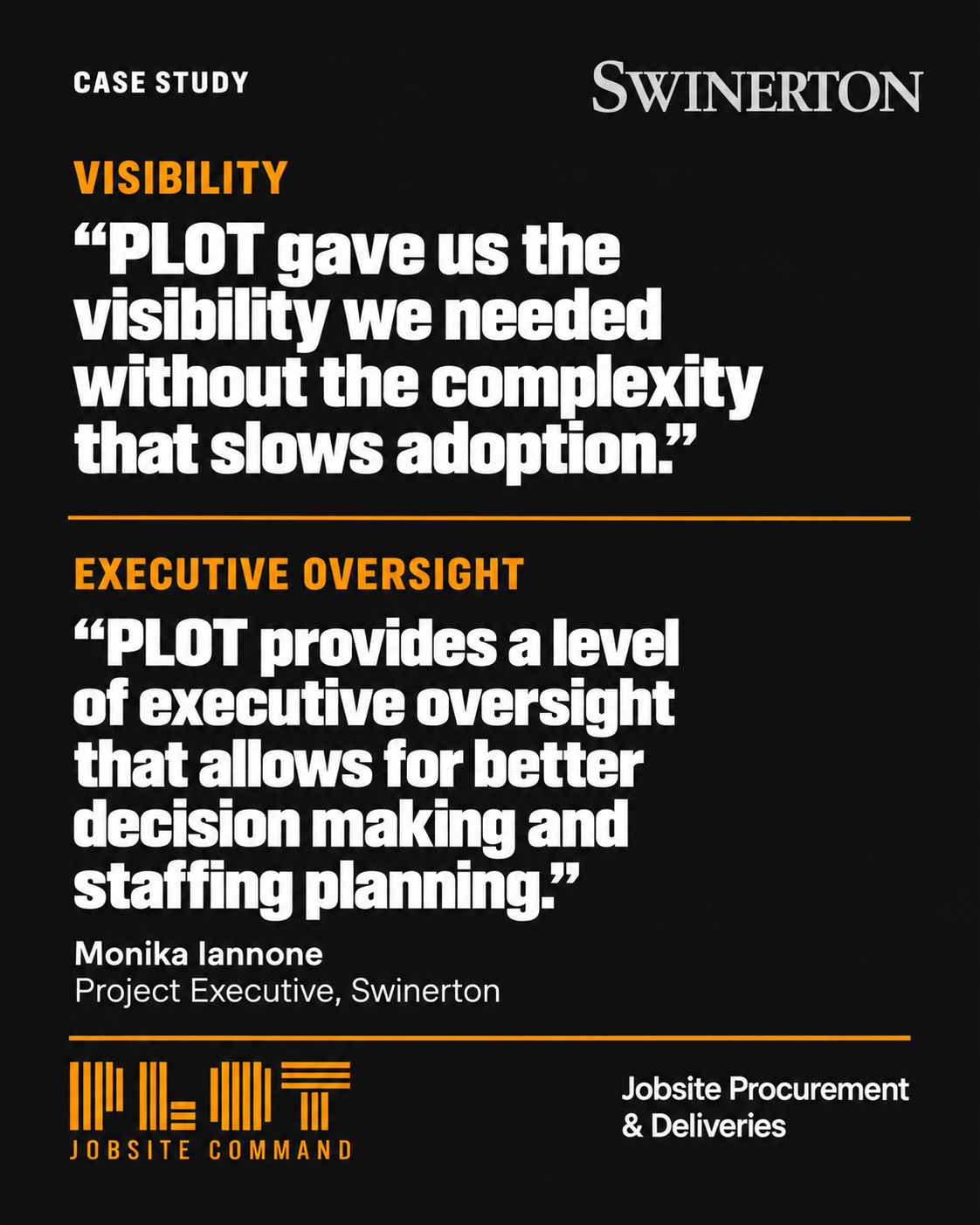
“We looked at four options, and the question for us wassimple: How will our teams interact with this tool daily? PLOT gave us thevisibility we needed without the complexity that slows adoption. It alsoprovided a hub that encouraged subcontractor collaboration. We wanted a simple,effective solution that felt intuitive, while reducing risk and providingclarity around procurement.”
Monika Iannone, Project Executive,Swinerton
“Some othersolutions had really detailed, structured procurement, but we wanted somethingsimplified,” Rico noted. “Someone like me, a former tradesperson with minimalexperience in technology, needed to be able to easily input items and trackthem on a daily basis.”
PLOT stood outfor its interface and value. The team described it as simple and intuitivewithout sacrificing the depth a complex commercial project requires.
“The systemadeptly handles the many-to-one and one-to-many relationships that are typicalbetween construction submittals and material procurement,” Monika said.“Additionally, PLOT integrates with ACC and P6, so once the tool is set up, ourteam is not wasting time entering the same information in multiple platforms.”
Thatcombination of ease of use and capability drove the decision.
The team beganusing PLOT in early May 2026 and connected it to their existing Autodesk Formaenvironment. Since all trade partner and submittal data already lived in Forma,the integration was the logical next step toward automating data flow.
Before theconnection could go live, Swinerton's IT department needed to confirm PLOT wassafe to connect to their network. PLOT's onboarding documentation laid out thetechnical steps clearly, and Chris Callen, PLOT's Founder and CEO, joined acall to walk IT through exactly how the platform interacts with Forma,confirming that PLOT reads data from Forma and never writes back to it.
“Once Chrisshowed exactly how the platform works, that was it,” Rico said. “After that,the actual linking of Autodesk to PLOT was a very easy experience, andextremely useful. We were already using Forma, so having the integrationbetween the two was a very simple process once IT was on board.”
Swinerton's ITteam approved PLOT on the strength of its transparency and documentation. PLOThas since completed its SOC 2 Type II certification, formalizing that samestandard. Enterprise IT and security teams now have an independently auditedway to confirm that PLOT's controls are complete, consistently followed, andverified, creating a faster, more confident path from vendor evaluation toactive integration. https://www.getplot.com/latest-news/plot-completes-soc-2-type-ii-audit
Real-timeupdates. The biggest shift was eliminating the manual procurement log.Instead of waiting for weekly subcontractor updates and re-entering the data byhand, seven trade partners now update order status and lead times directly inPLOT, and the Swinerton team sees changes in real time.
Submittalreminders. The Forma integration adds another layer of value. PLOT pullssubmittal status directly from Forma and flags items at risk of falling behind,giving the team visibility beyond what Forma alone provides.
“One thing Ireally value is having PLOT as an added layer of reminders when submittals aredue,” Rico said. “It's not just for procurement of items. It also helps withthe acceptance process for submittals.”
Scheduleautomation. Rather than maintaining P6 and a procurement log side by sideand reconciling dates by hand, the team uploads their revised schedule to PLOTand links activity codes directly to procurement items. When a schedule datechanges, the associated material dates update automatically.
Centralizeddata. The benefit shows up immediately in meetings. Instead of togglingbetween P6, Forma, and Excel, the team pulls up a single view in PLOT showingprocurement status, submittal status, and scheduled delivery and installationdates together.
“It's actually three different software merged into one. Wecan just use PLOT as the tracker.”
Rico Quinta, Senior Project Engineer,Swinerton
The tradepartner view. The benefits reach beyond the GC team. Trade partners onApartment 2 who once maintained their own tracking spreadsheets are seeing thedifference too.
“I'll be honest, when I first heard Swinerton was going to beimplementing this software, my gut reaction was ‘Uh oh, this is gonna suck!’But I actually like PLOT a lot now, and I hope this gets implemented on everyproject I work on. I like it mostly because it allows you guys to update theschedule directly and more often, rather than me waiting for a monthly scheduleupdate and then having to extract the info I need to update my big ugly Excelspreadsheet that just tries to do the same thing as PLOT.”
Wes Hills, Project Manager, A.O. Reed& Co.
Estimated by Swinerton's three-person project team
~8 hours savedper week in field management and trade partner coordination
6 to 8 hours saved per week in office and back-office processes
~10 minutes saved per hour of meeting time
7 trades actively updating procurement dates in PLOT
10 trades scheduling deliveries through PLOT
The Swinertonteam is still early in their use of PLOT, with Apartment 2 in the early stagesof construction. Ten trades are already scheduling deliveries through PLOT, andthe jobsite dashboard and delivery scheduler are expected to become even morevaluable as more trade partners come on board and site activity ramps up.
Rico sees thedelivery scheduler as key to managing site logistics as the projectintensifies: keeping trucks from stacking up, coordinating crane windows, andreducing the unplanned congestion that creates safety risks on dense urbansites.
“Using thedelivery scheduler once subs are fully on board is going to be super helpful,”he said. “Not having trucks lined up down the street, being able to schedule acrane in a specific time frame, manage traffic control. I can see that as areally valuable tool.”
The team hasalready shared their PLOT setup with another Swinerton project team inpre-construction, walking them through their onboarding process and bestpractices. For leadership, broader adoption means more than time savings.
“PLOT providesa level of executive oversight that allows for better decision making andstaffing planning,” Monika said. “I am excited to see the opportunities as PLOTis adopted on more projects. We will have access to new data and metrics thatwill allow us to reduce procurement risks earlier in the design and buyout ofprojects.”
“Using Excel spreadsheets takes a lot of time, a lot ofeffort, and a lot of coordination across multiple teams. Instead of subs makingtheir own spreadsheet and supplying it to us for re-entry, now we can use oneplatform on both ends to easily update information.”
Rico Quinta, Senior Project Engineer,Swinerton


